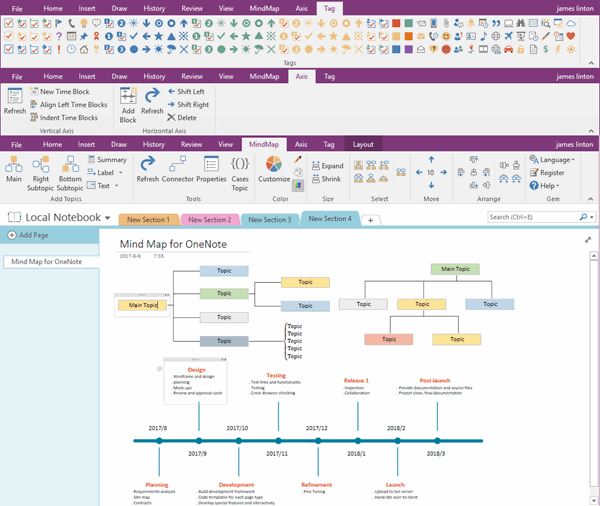
如何導出和備份 OneNote for Windows 10 中沒有同步到雲的筆記?
2024-06-14
數字筆記珍寶
為了導出和備份 OneNote for Windows 10 中脫機筆記,妳需要把 OneNote for Windows 10 更新到 16001.14326.21942.0 或之後的版本。
步驟:
1. 點擊 OneNote for Windows 10 頂部的 Move to the newest version of OneNote (移動到最新版本的 OneNote)。
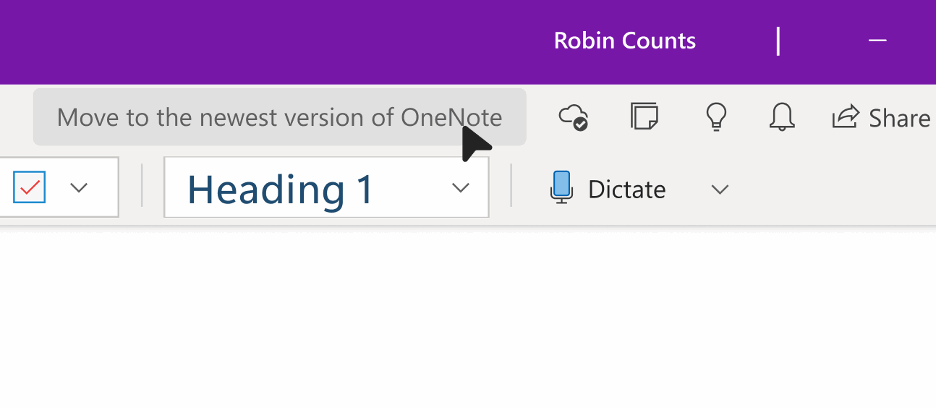
2. 然後點擊 Get Started, 它會引導妳到 Let’s back up your notes 界面。妳要記住備份存放的文件夾:
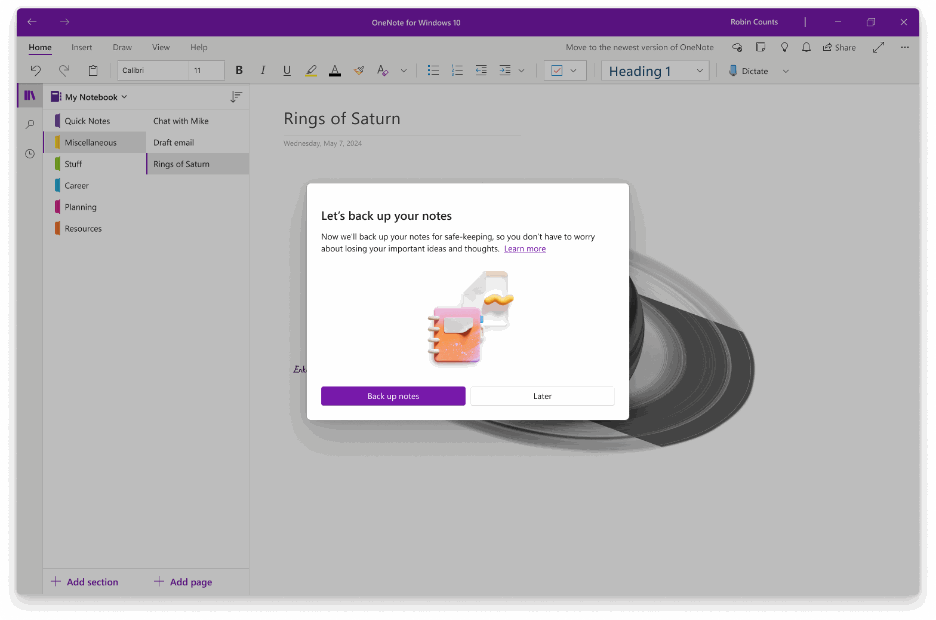
步驟:
1. 點擊 OneNote for Windows 10 頂部的 Move to the newest version of OneNote (移動到最新版本的 OneNote)。
- Windows 11 系統下,備份會存放到:”Documents/Backup”
- Windows 10 系統下,備份會存放到:
3. 然後點擊 Back up notes, OneNote 將備份那些沒有同步到雲的筆記。註意,正在備份時,不要關閉 OneNote。“C\Users\*user_name*\AppData\Local\Packages\Microsoft.Office.OneNote_8wikyb3e8bble\LocalState\AppData\Local\OneNote\16.0\Backup”
OneNoteGem
| EXE 插件 | UWP 插件 | MAC 插件 |

